What do I need to run it?
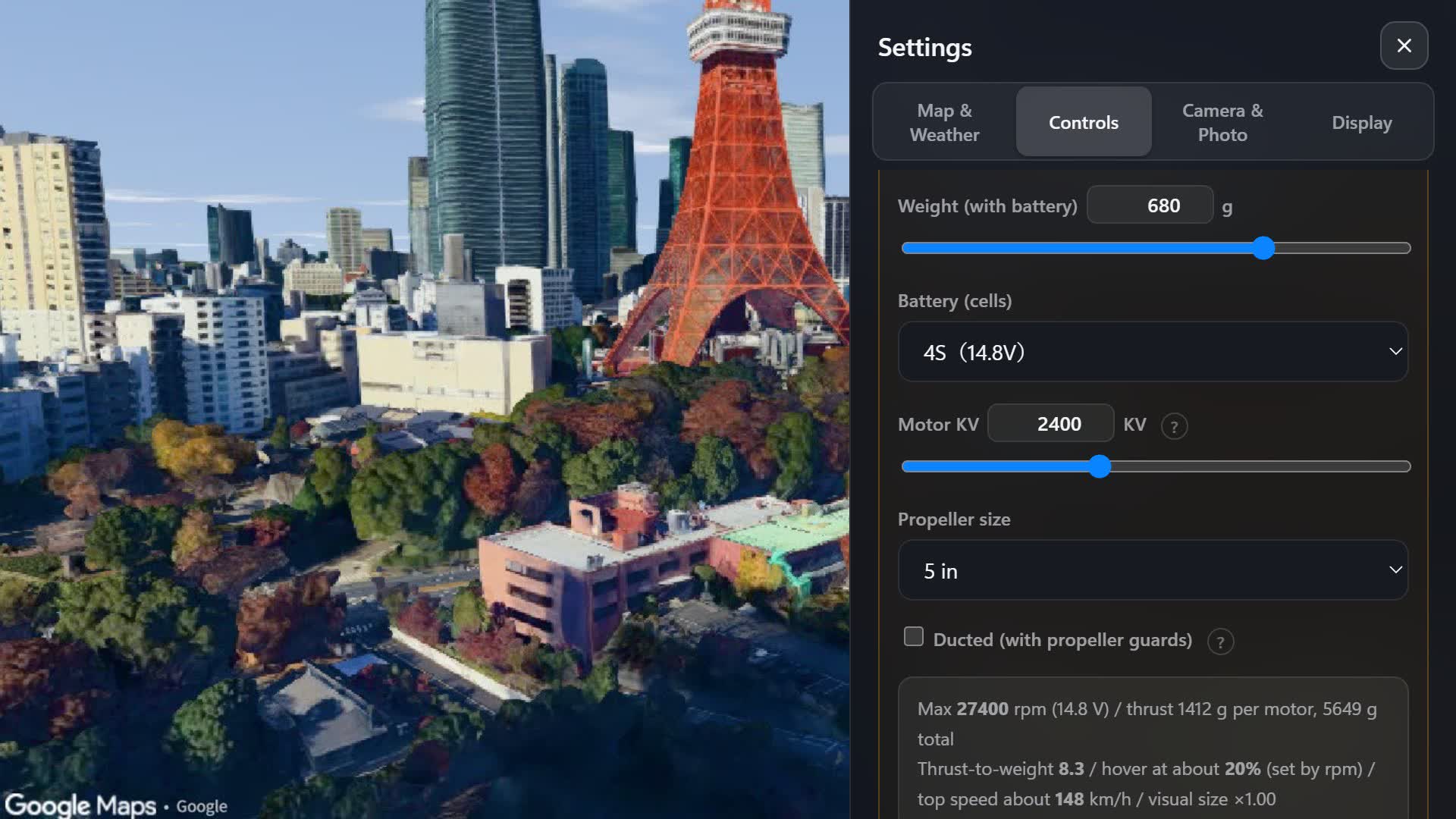
A desktop or laptop with a recent Chrome or Edge and a GPU that handles WebGL 2 — most machines from the last few years do. Phones and tablets can fly with on-screen sticks too.
Which controllers work?
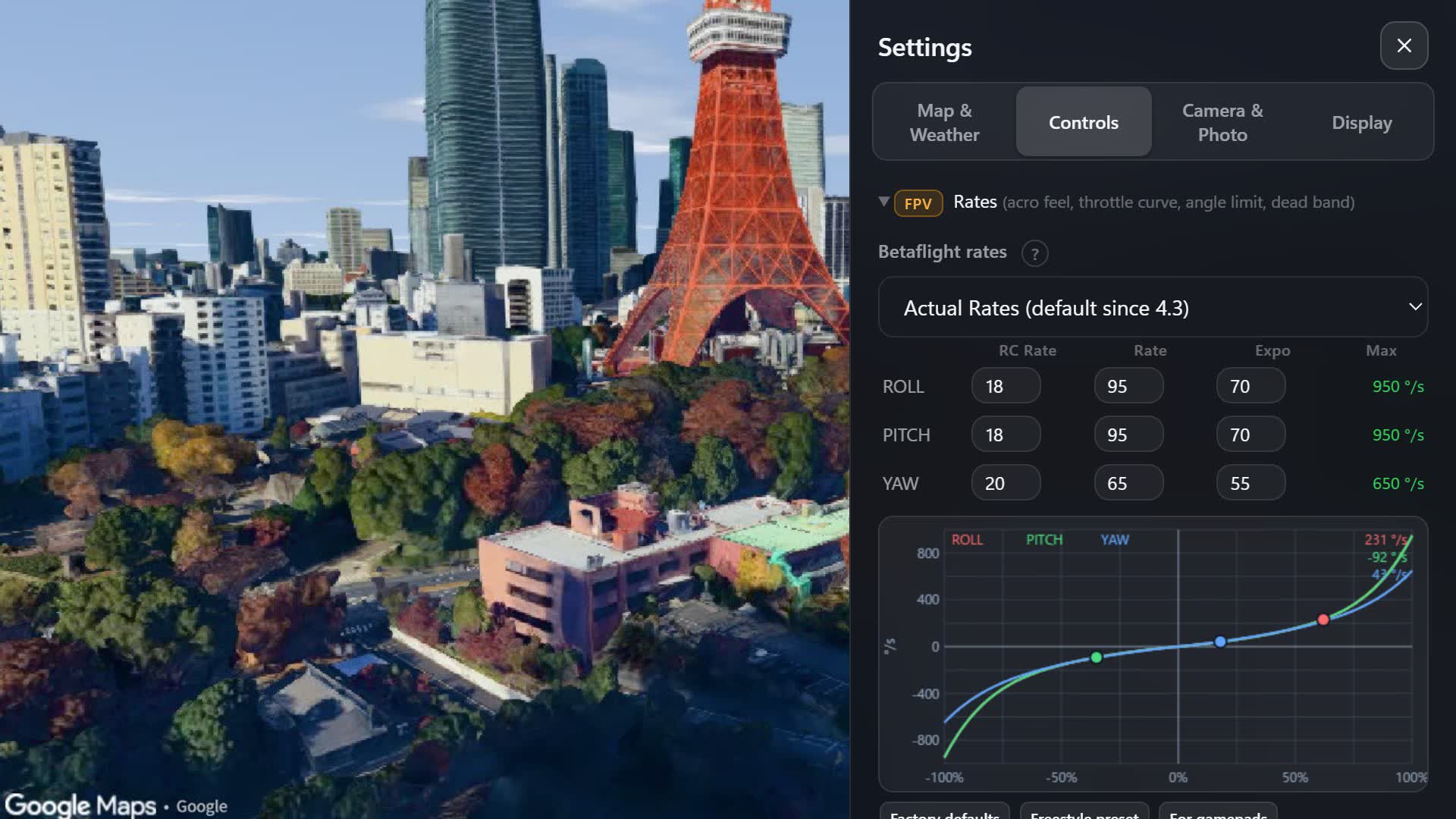
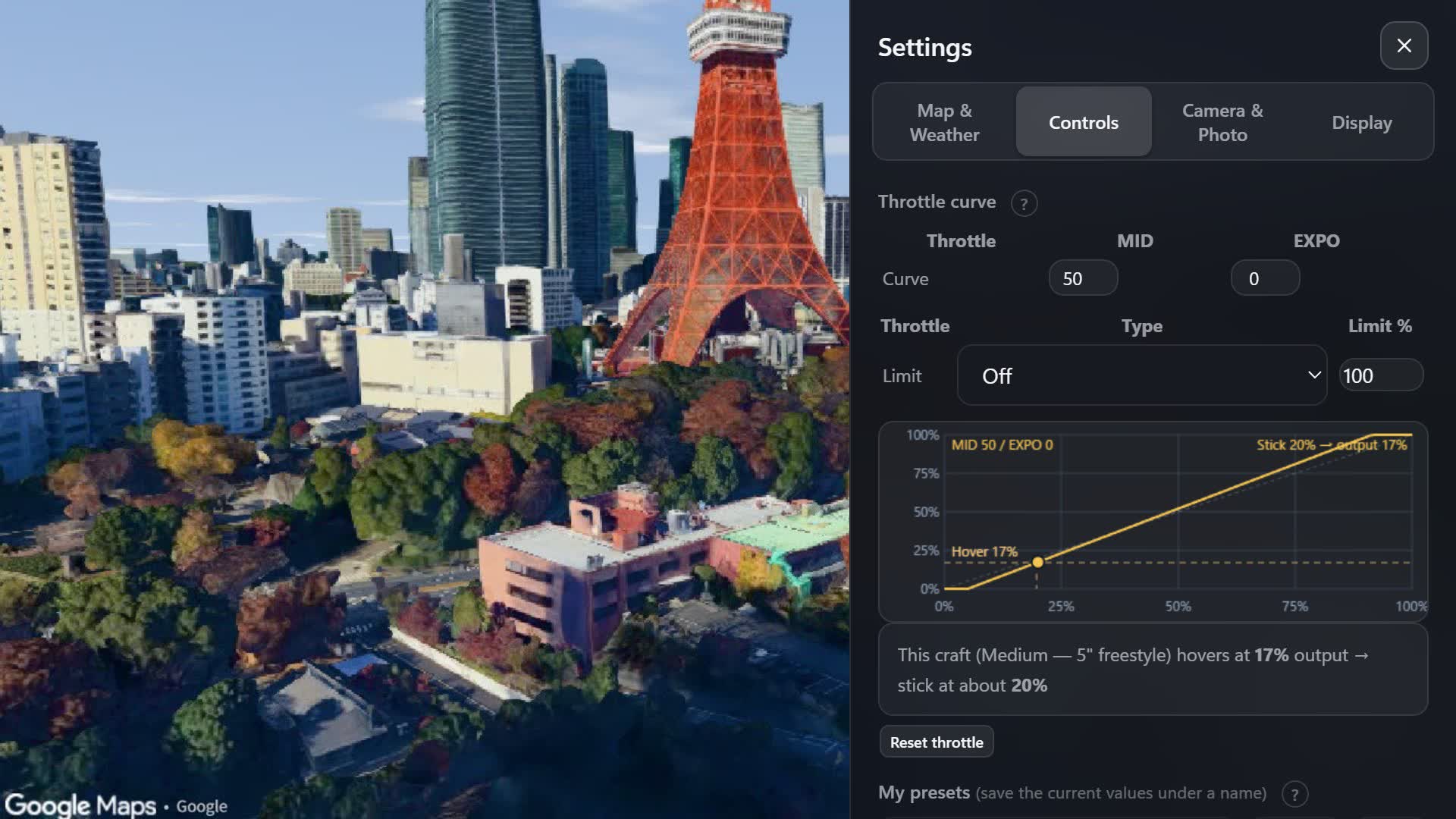
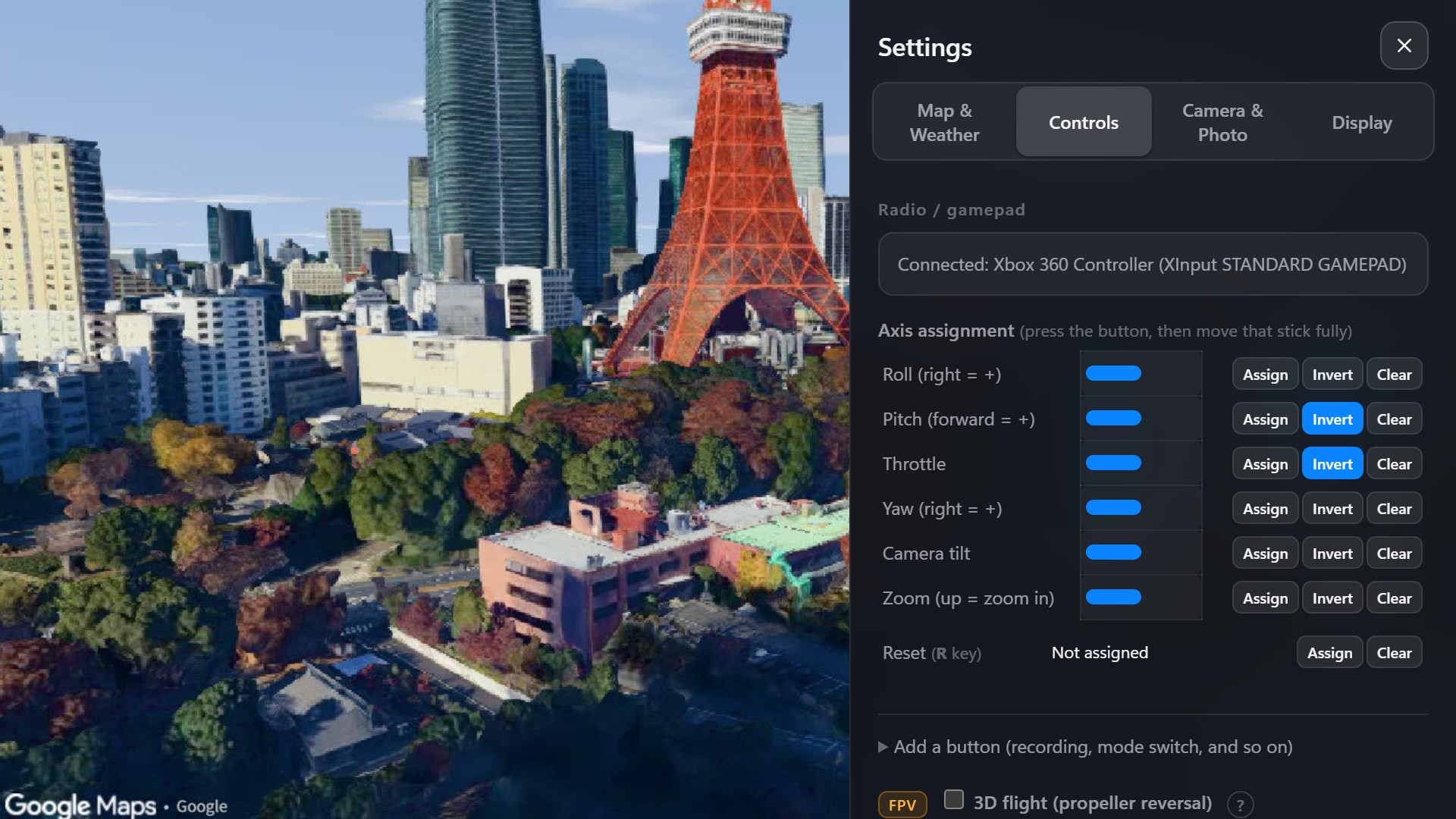
Anything the browser sees as a gamepad: FPV radios in USB joystick mode (RadioMaster, BetaFPV, Jumper…), Xbox and PlayStation pads. You assign and invert axes on the start screen and can map switches to actions like recording or mode changes. DJI camera-drone controllers (RC-N1, RC-N2, RC-N3, Smart Controller, RC 2, RC Pro 2) also connect over USB, as an experimental feature.
How do I connect a DJI controller?
This is experimental and needs Chrome or Edge on a computer. Turn the controller on and connect it with a USB cable that carries data.
- RC-N1, RC-N2, RC-N3, DJI Smart Controller: in Settings → Controls, open Connect a DJI controller, press RC-N1 / N2 / N3 / Smart Controller and pick the entry marked “V1”.
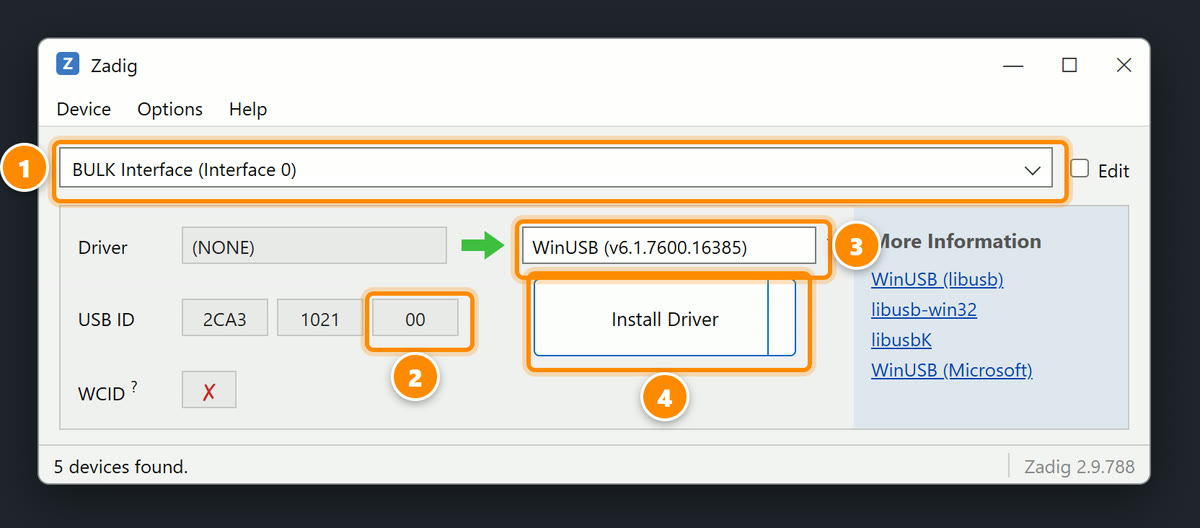
- RC 2, RC Pro 2 on Windows, once per computer: download the free tool Zadig and open it with the controller plugged in.
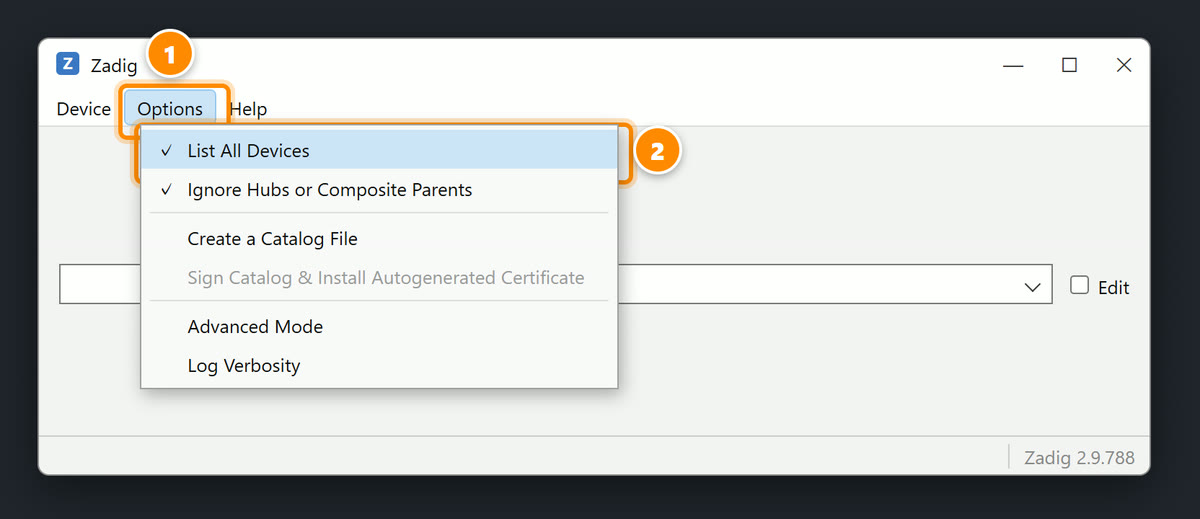
- In Zadig, open Options ① and check List All Devices ②.
- Open the list at the top and choose BULK Interface (Interface 0) ①. The third box of its USB ID reads 00 ②; don’t choose “MTP” (that one reads 01). Set the box on the right to WinUSB ③ and press Install Driver ④ (or Replace Driver). When it reports success, unplug the controller and plug it back in.
- RC 2, RC Pro 2: in Settings → Controls, open Connect a DJI controller ①, press RC 2 / RC Pro 2 ② and pick your controller.
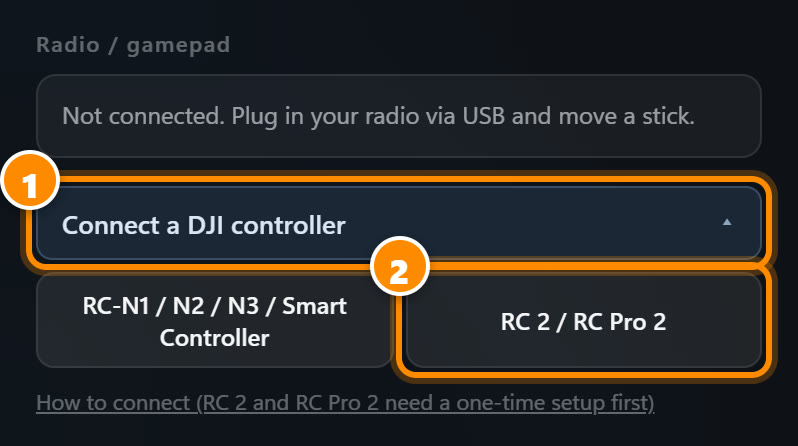
The steps are the same for RC 2 and RC Pro 2. If you put WinUSB on “MTP” by mistake, the controller’s files stop showing up in File Explorer: in Device Manager, uninstall that device with the box to delete its driver ticked, then plug the controller back in.
Both sticks and the camera dial work, and on RC 2 and RC Pro 2 the right dial zooms. The other buttons can’t be read. A DJI update may stop this from working.
Can I play offline?
No. The scenery streams in from the internet while you fly, so you need a connection. Your licence is also checked online when the game starts.
Can I try it before I buy?
No. Overfly streams map data that costs real money on every launch, so there is no trial version. Refunds are available within a limited number of launches and a limited period after purchase; the conditions are set out in the terms.
Do you collect my data?
There is no account, and the game never asks for your email; Polar needs one at checkout to send your receipt. Your settings live in your own browser. The details are in the privacy policy linked below.